Beautiful grid widgets for your Fitbit.
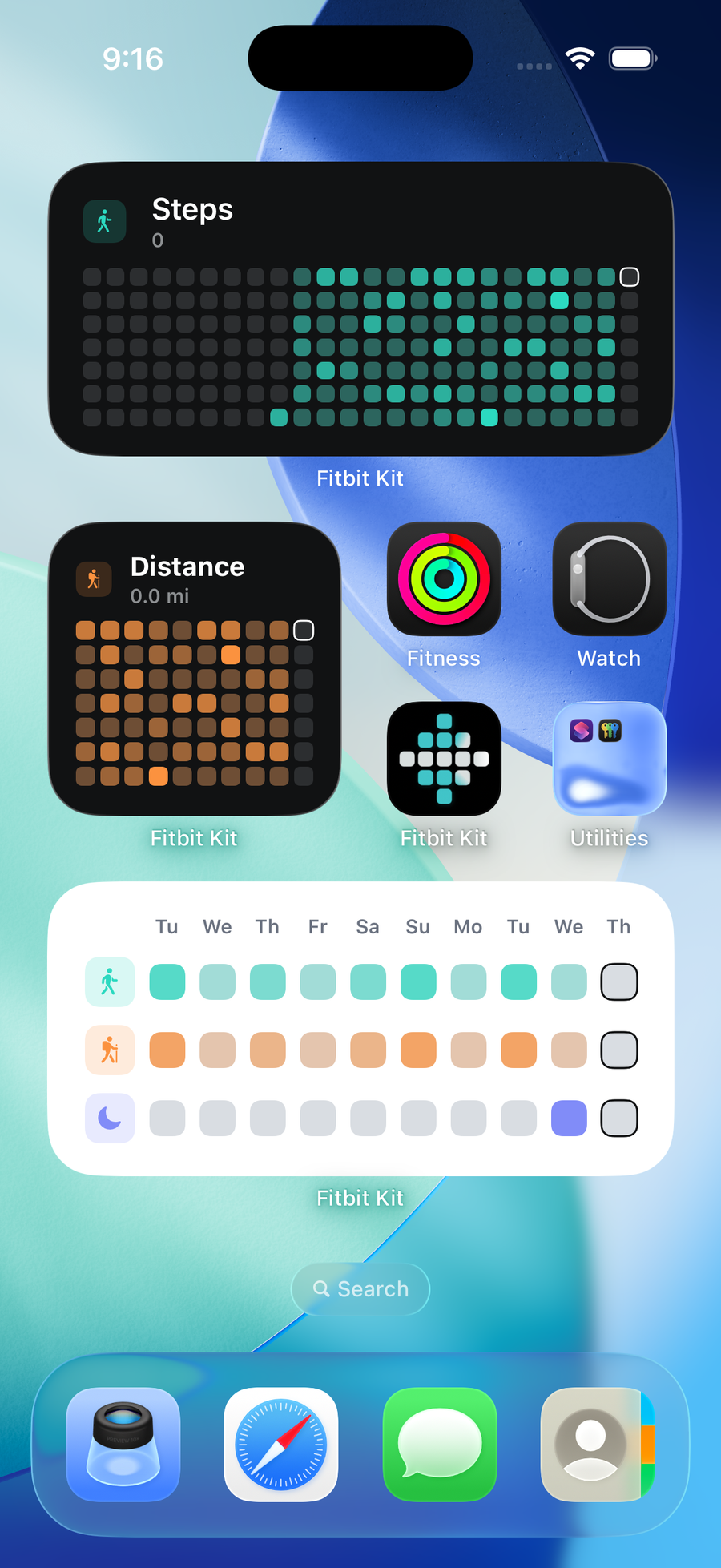
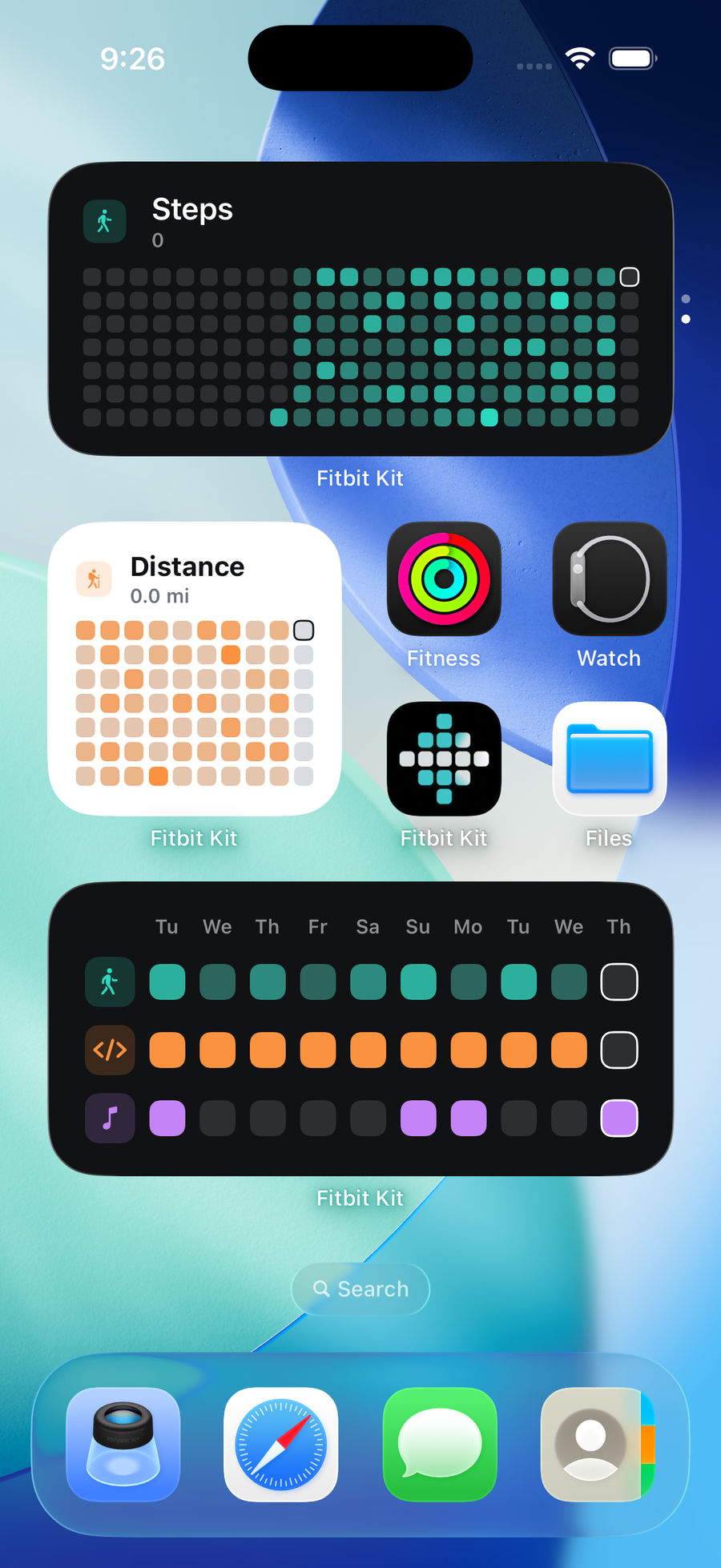
Track your Fitbit progress with small, medium, and large widgets. See steps, sleep, and exercise on your home screen without opening a health app. The grid updates after you connect and sync Fitbit.
Free · Coming soon for iOS · Fitbit and Pixel Watch
Activities that fill in
Connect Fitbit with Google. See steps, sleep, and exercise without opening a health app.
Every step your watch counted, since the day you set it up.
FitbitHours asleep, read overnight. Nothing to confirm in the morning.
FitbitRuns, rides and lifts land as filled squares the moment they end.
FitbitMinutes with your heart rate up. Distance, water and calories too.
Fitbit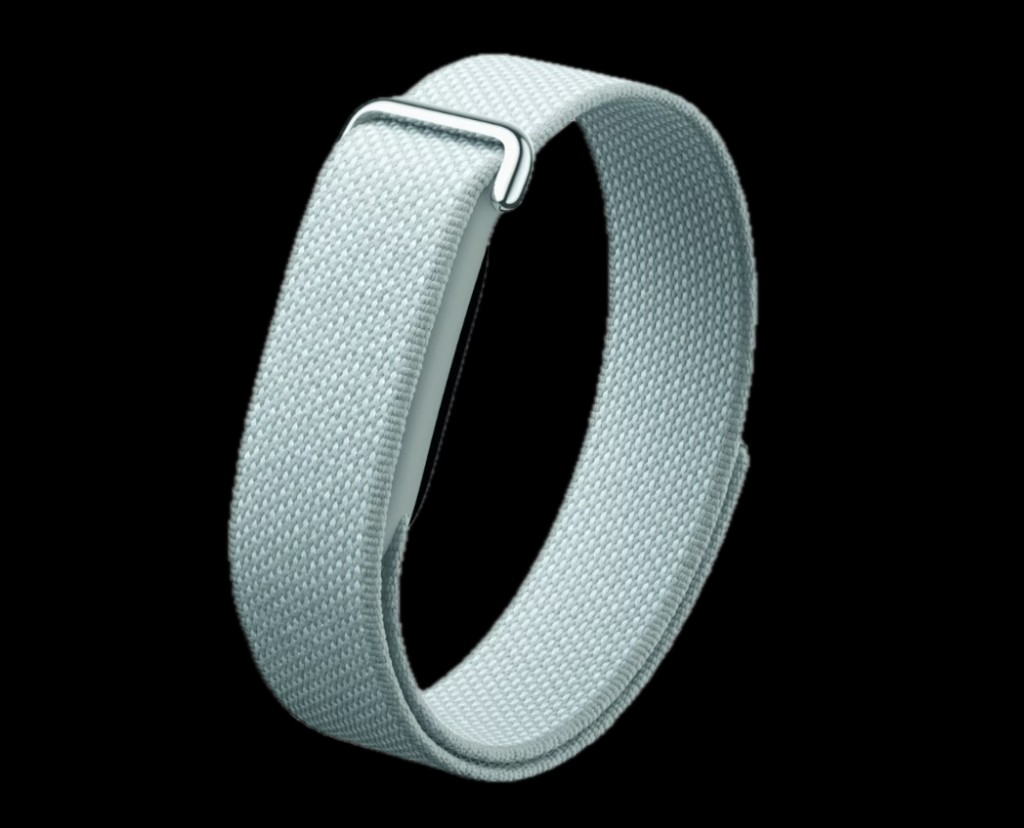
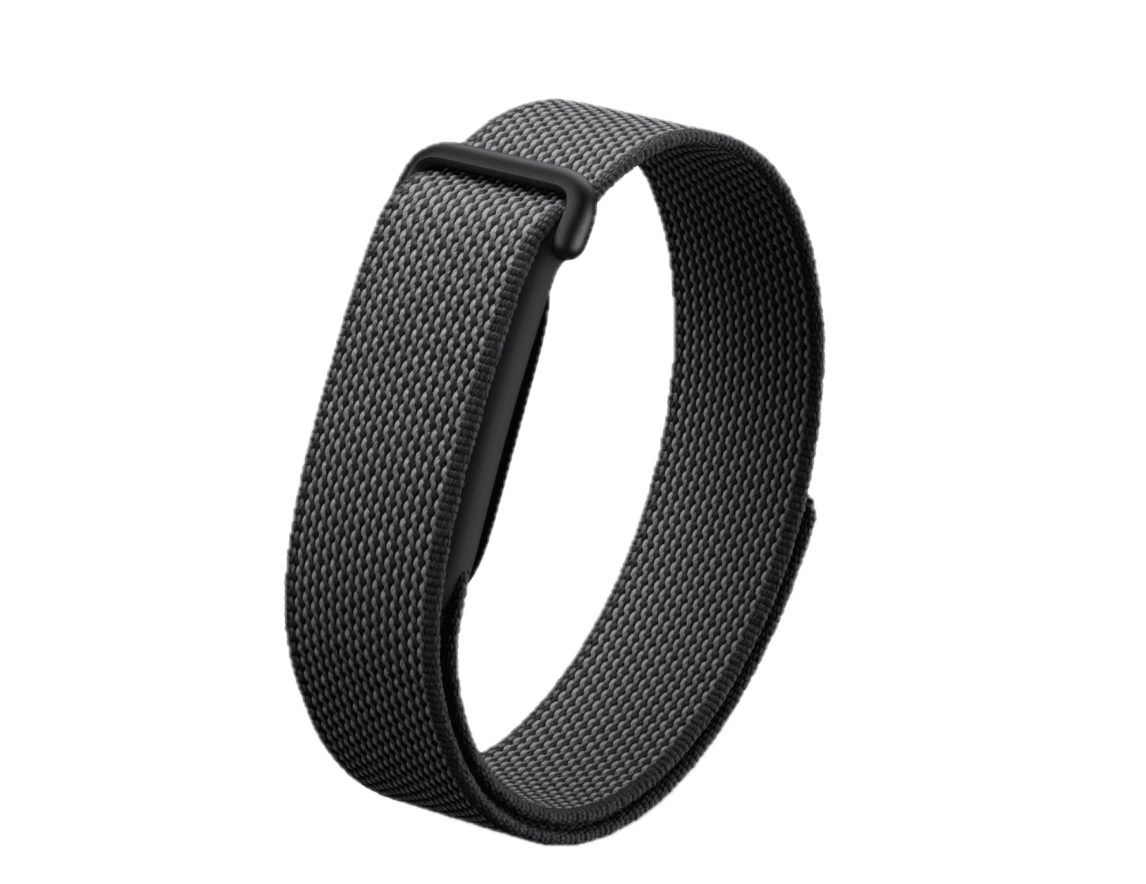
3
Widget sizes
Small, medium, large
8
Fitbit activities
Steps, sleep, exercise, more
2
Themes
Light or dark
0
Price
Free, coming soon for iOS
Everything in the box
06 featuresFitbit widgets for your home screen
Add small, medium, and large widgets. Visualize Fitbit data like steps, sleep, and exercise without opening a health app. The grid updates after you connect and sync Fitbit.
Activities that fill in
Connect Fitbit with Google. FitKit reads steps, distance, calories, active minutes, exercise, sleep, and other metrics you allow. You can add your own activities next to them.
Yearly, monthly, and weekly stats
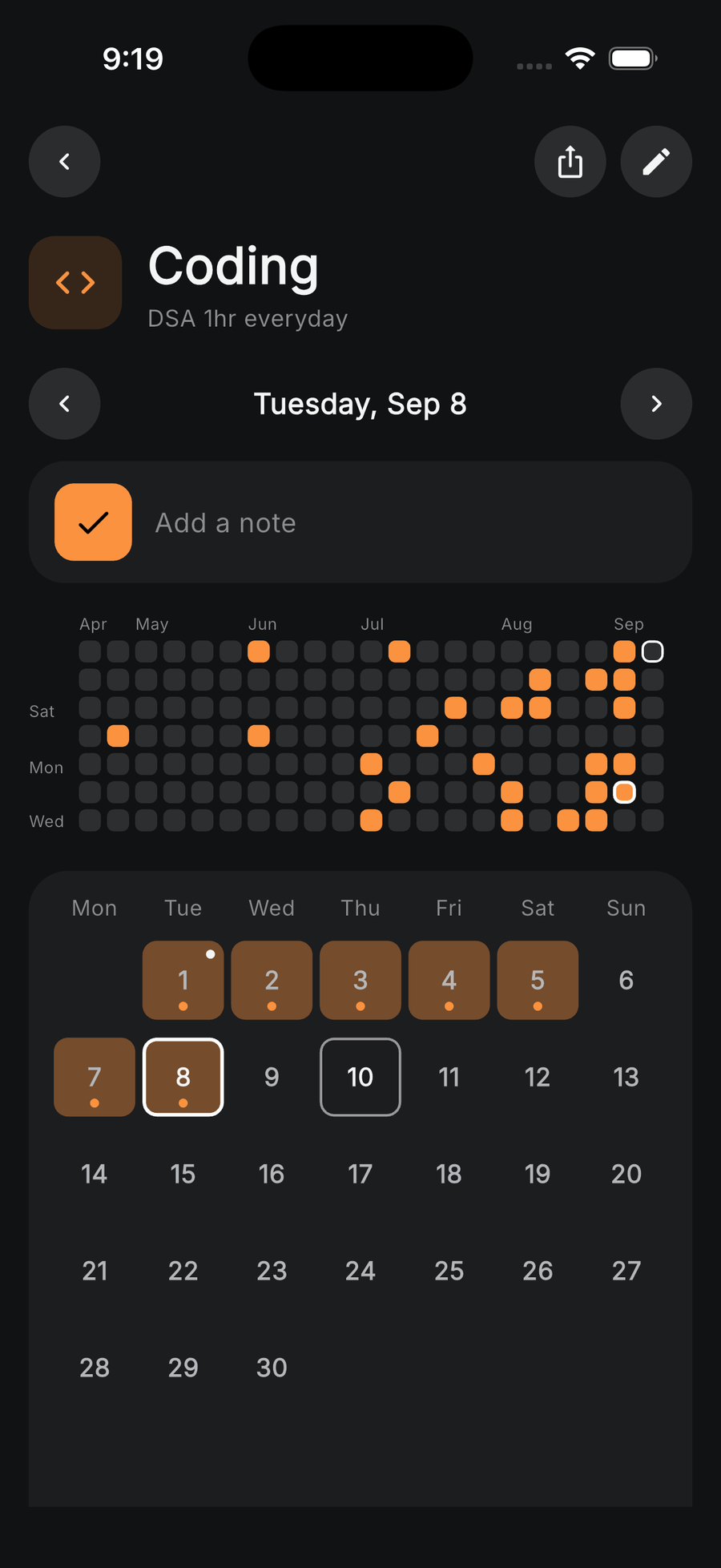
Each day is a square. Open an activity for hourly charts and totals. Share a snapshot when you want.
Your own activities too
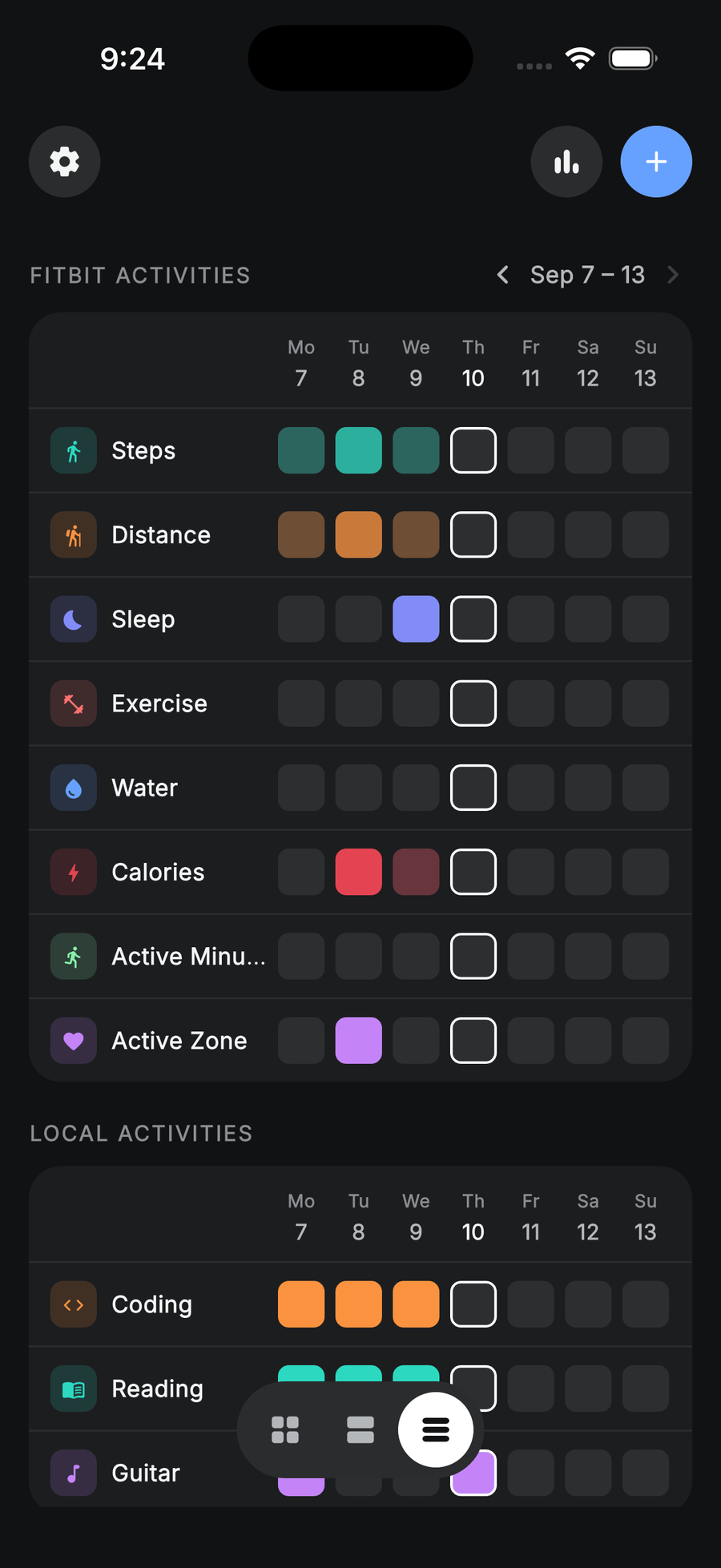
Reading, coding, guitar. Anything a watch cannot measure gets a tap-to-log grid next to the synced ones.
Customize as you like
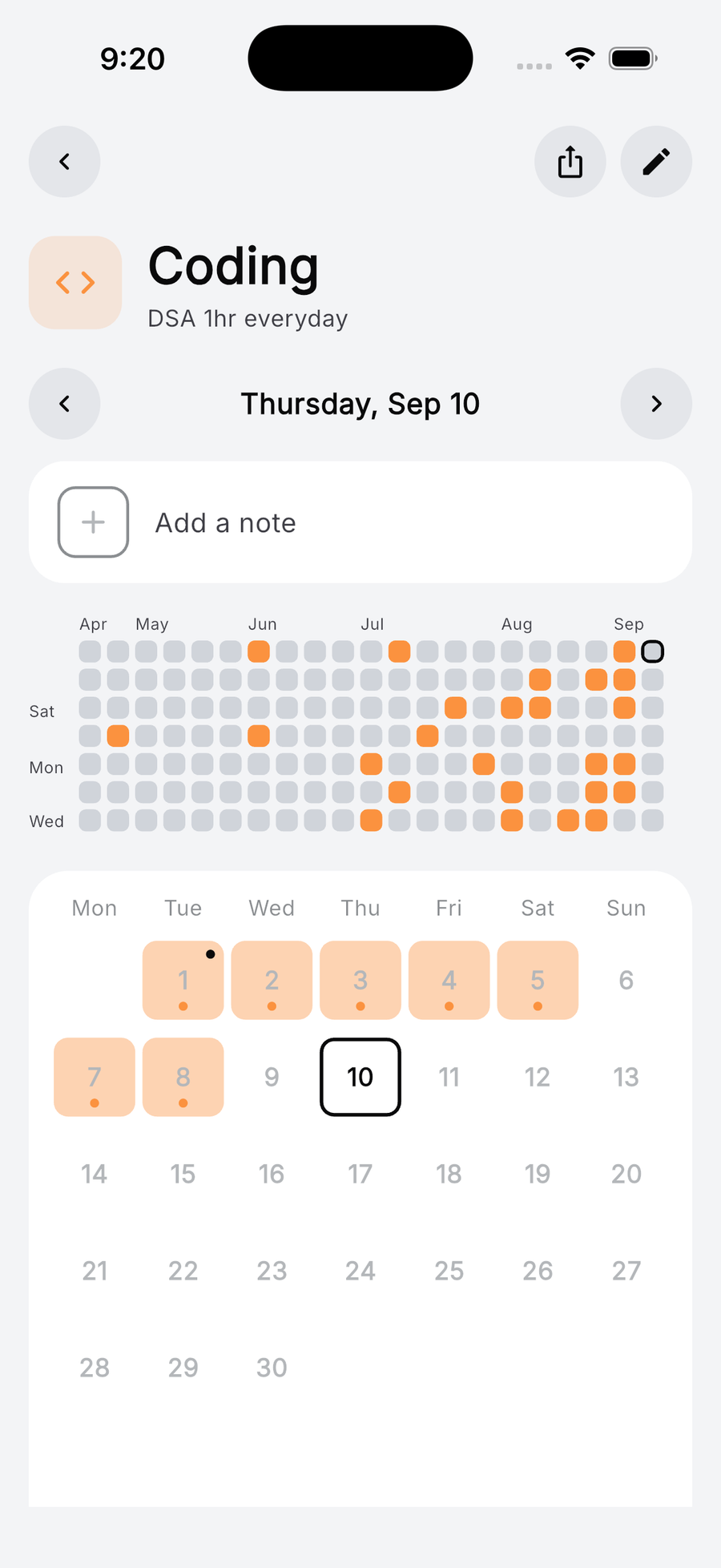
Pick your favourite colour. Reorder the activities. Two themes: light or dark.
Private by default
Activity data stays on your phone. FitKit is an independent app. It is not affiliated with Fitbit or Google.
And the rest
You can add your own activities next to the Fitbit ones. One tap fills the square on the same wall as steps and sleep.
Inside the app
Real screens. One idea.
Straight from the app. Pick any one.
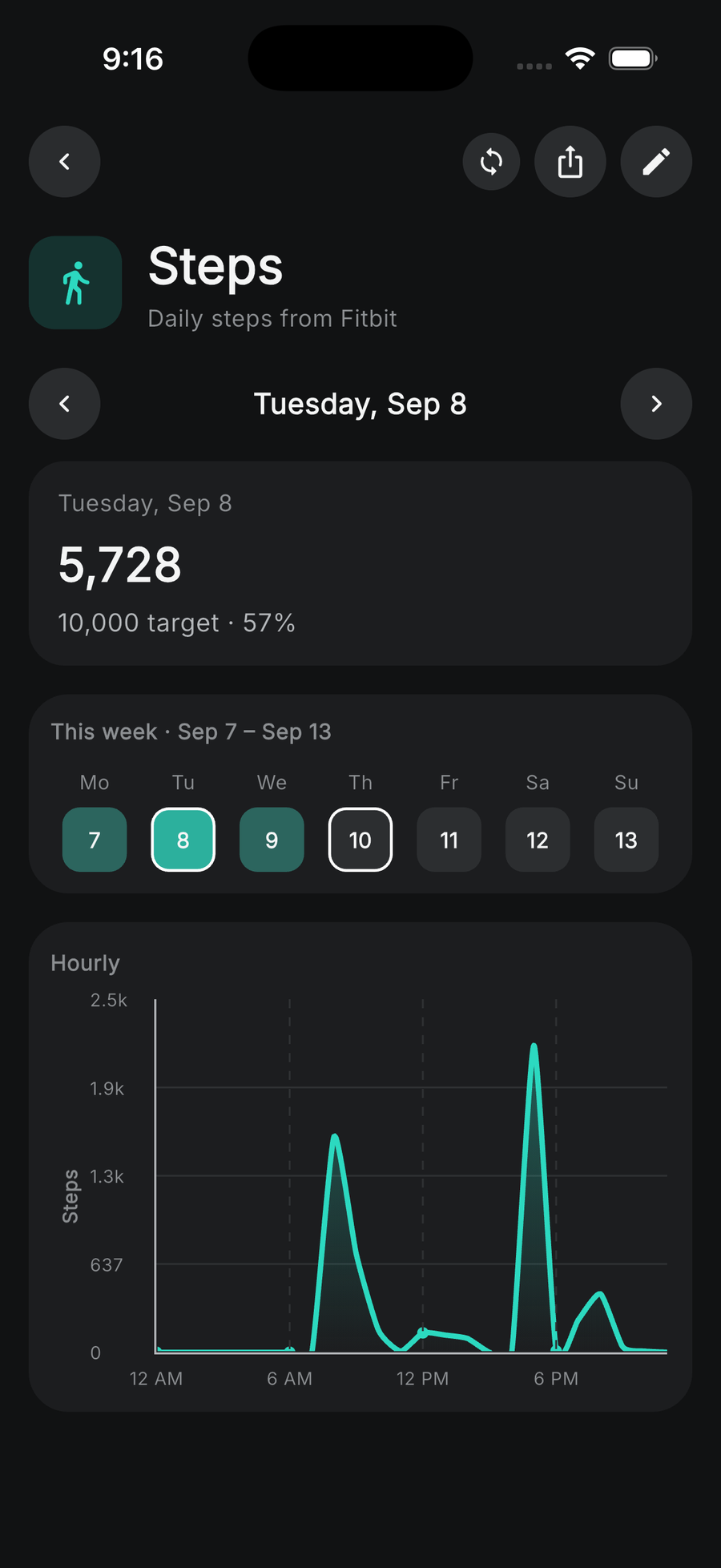
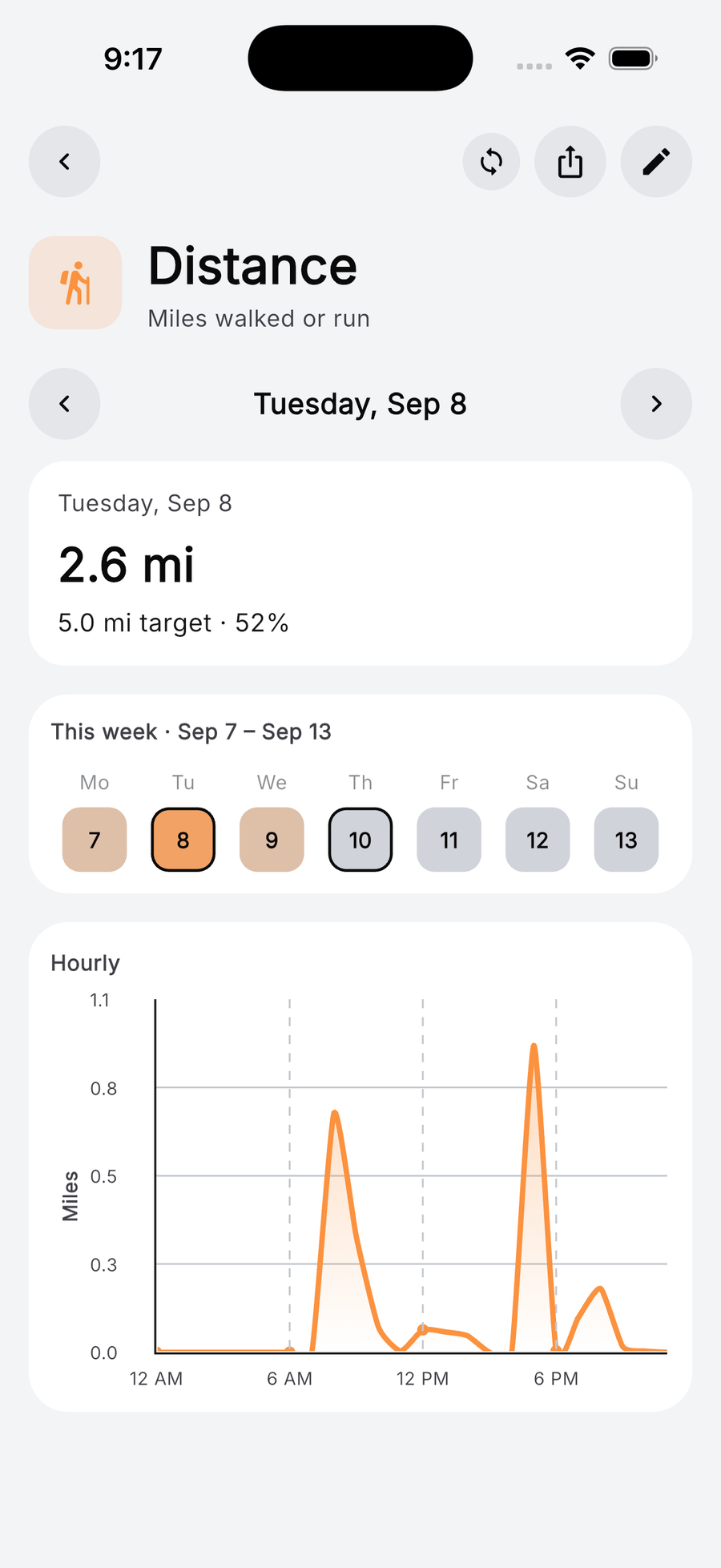
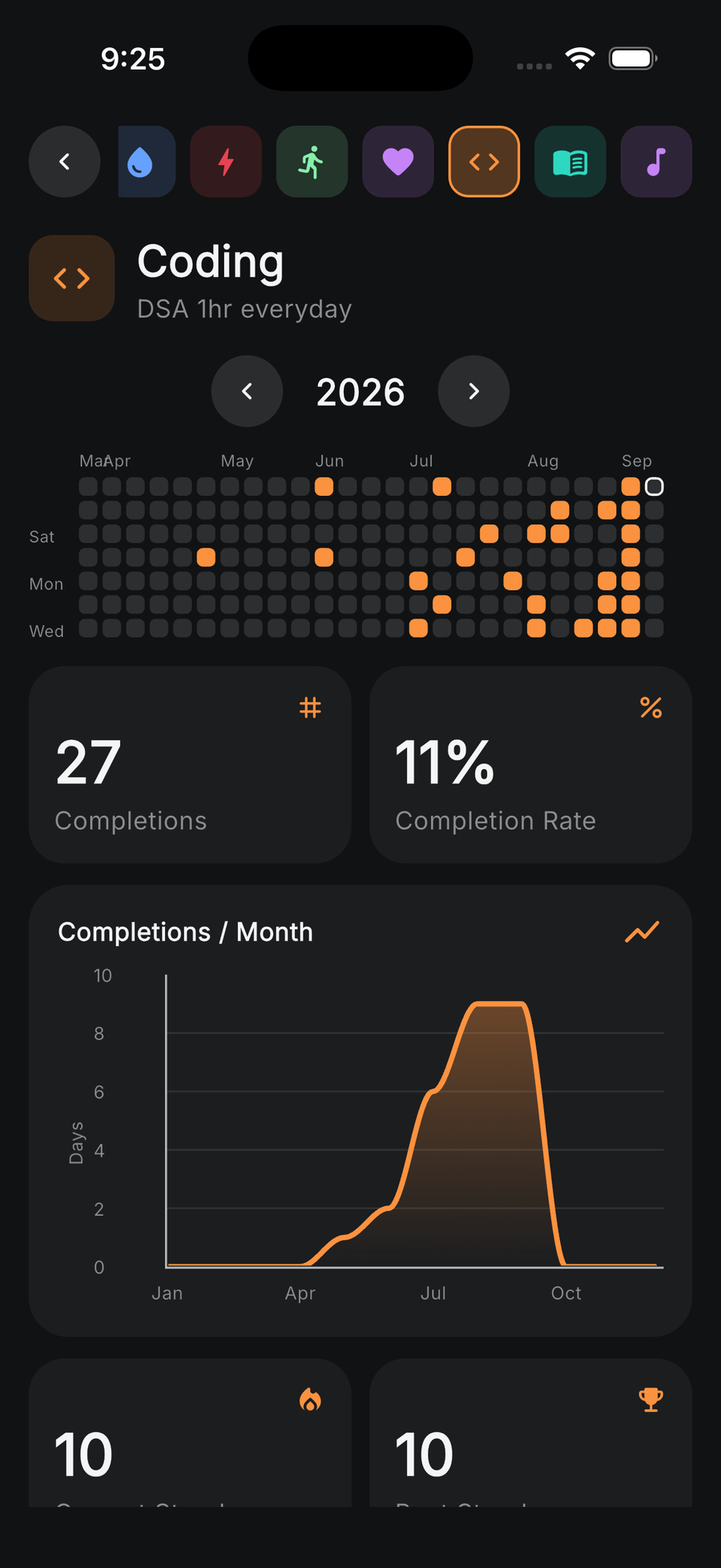
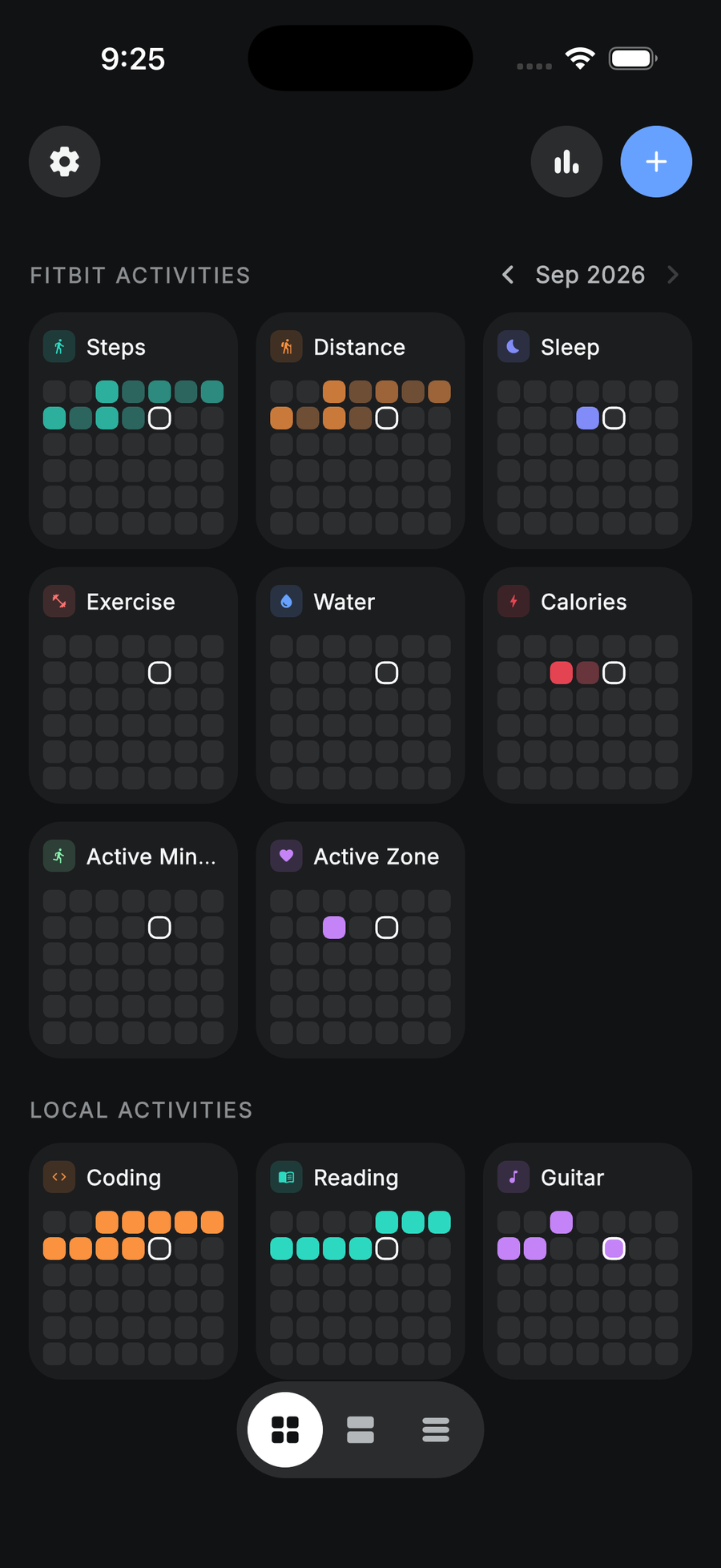
Add different widgets to your home screen. Visualize Fitbit data like steps, sleep, and exercise without opening a health app. Small, medium, and large. The grid updates after you connect and sync Fitbit.
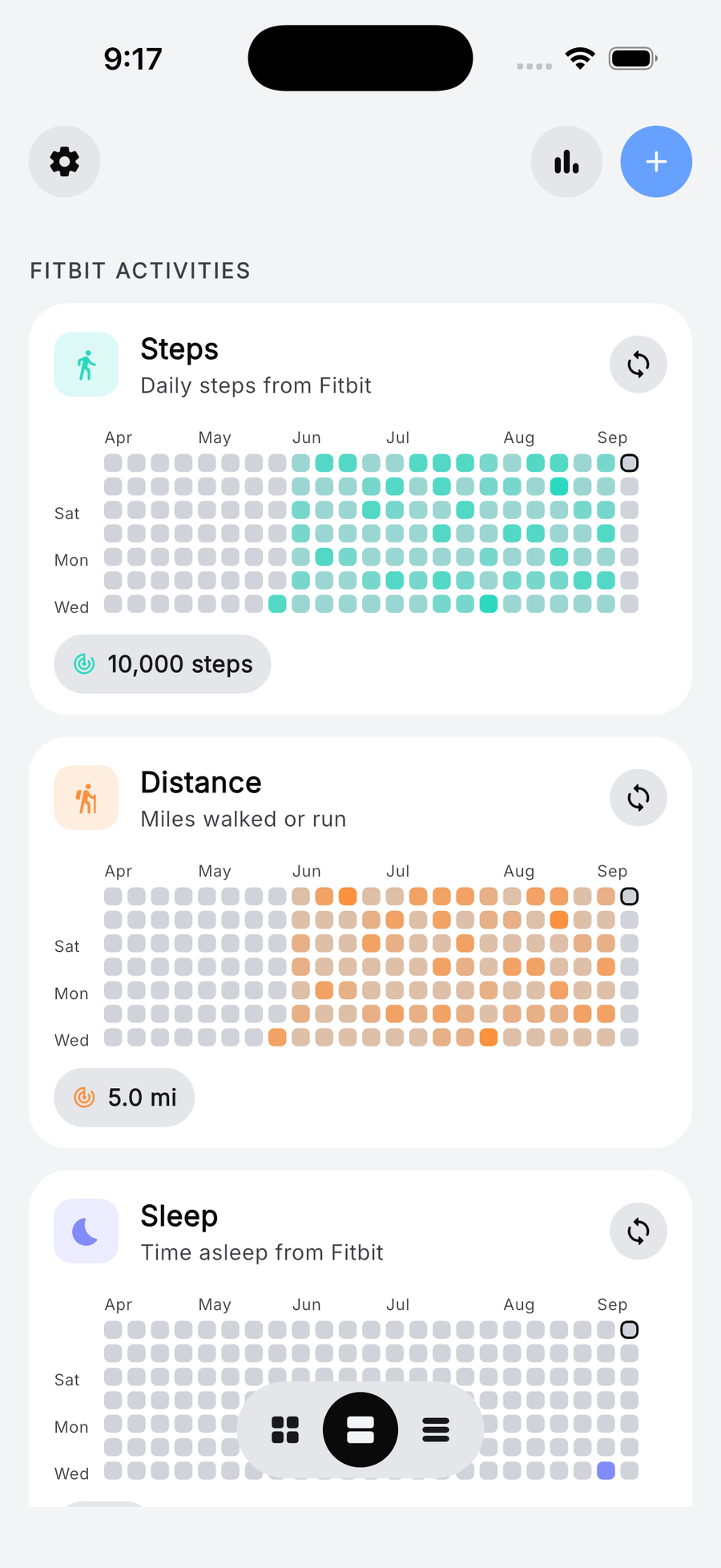
Each activity gets its own colour and its own year. Open the app and the whole routine is one picture. What is holding, what has slipped, how long the run is.
Steps, distance, sleep, exercise, water, calories, active minutes and active zone — each one a grid the watch keeps up to date. You set a target once; the day turns solid when you hit it.
Tap through and you get the whole history: the year as a grid, the note you left, and the month laid out day by day so a gap has a date attached to it.
Synced activities get an hourly chart under the week: the morning walk, the afternoon slump, the run after work. Today's total sits above it against your target.
Completions, completion rate, current and best streak, and a month-by-month curve. Enough to tell a real dip from a bad week, and to see the shape of an activity settling in.
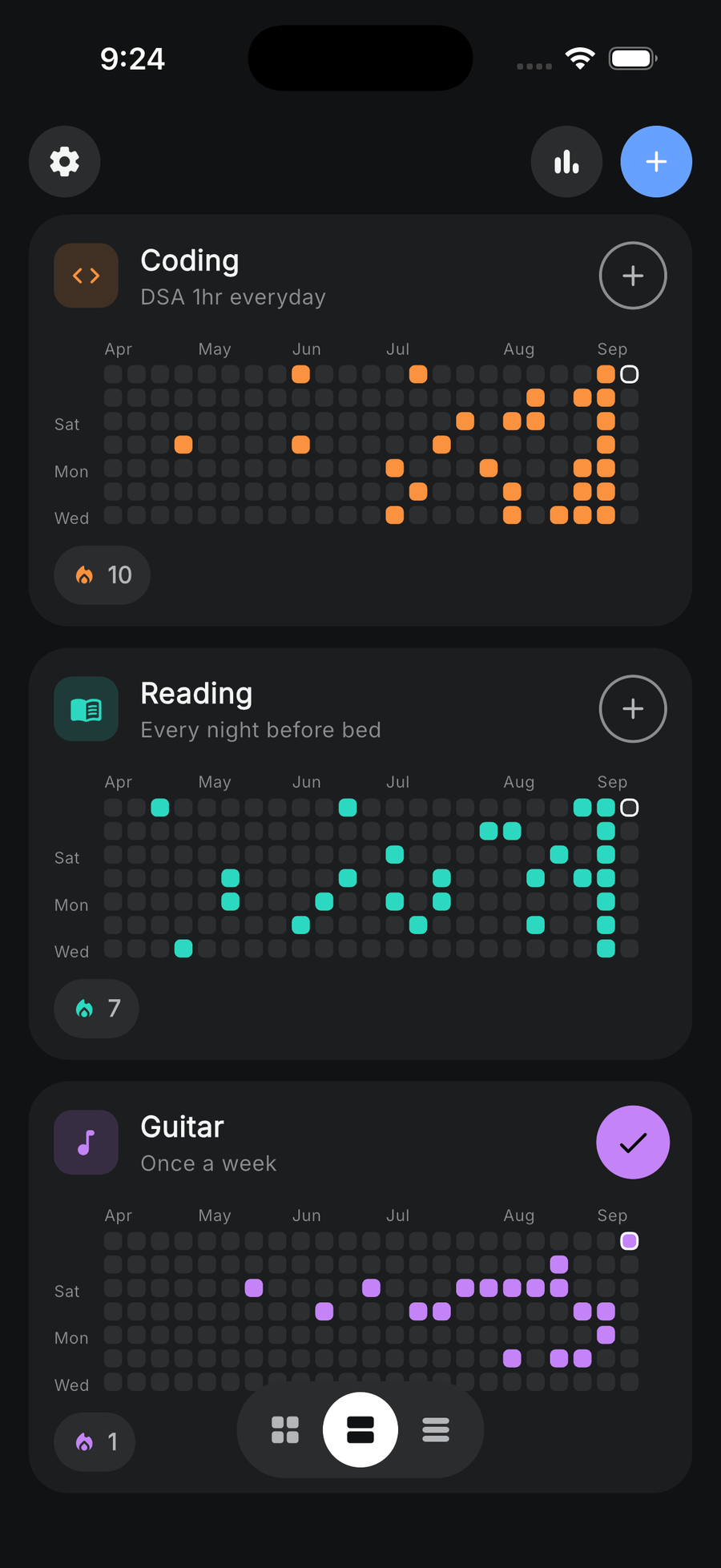
Four activities or fourteen, the wall should still fit on one screen. Swap between full cards, a list, and compact tiles without losing the grids.
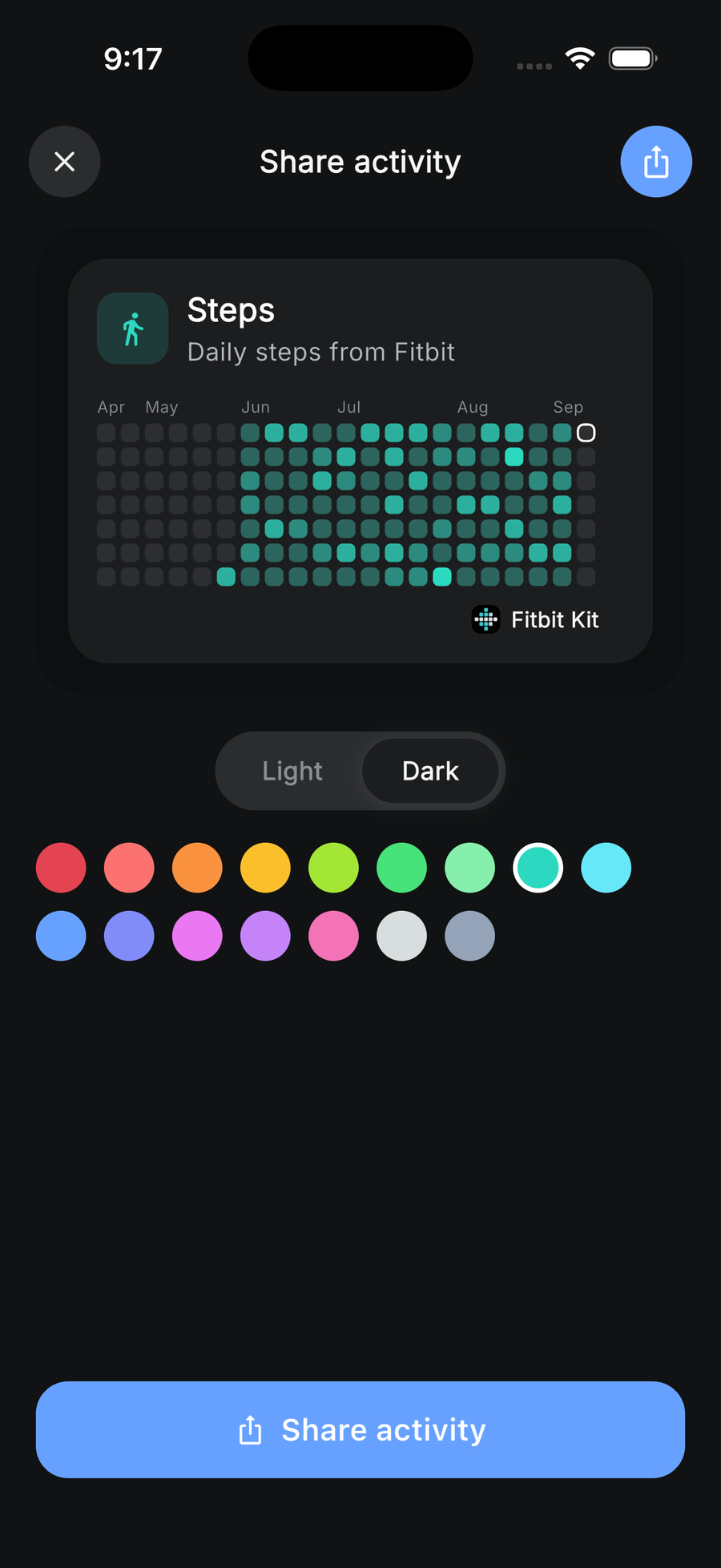
Export any activity as a clean card — its grid on a solid colour, light or dark. Nothing else leaves your phone.
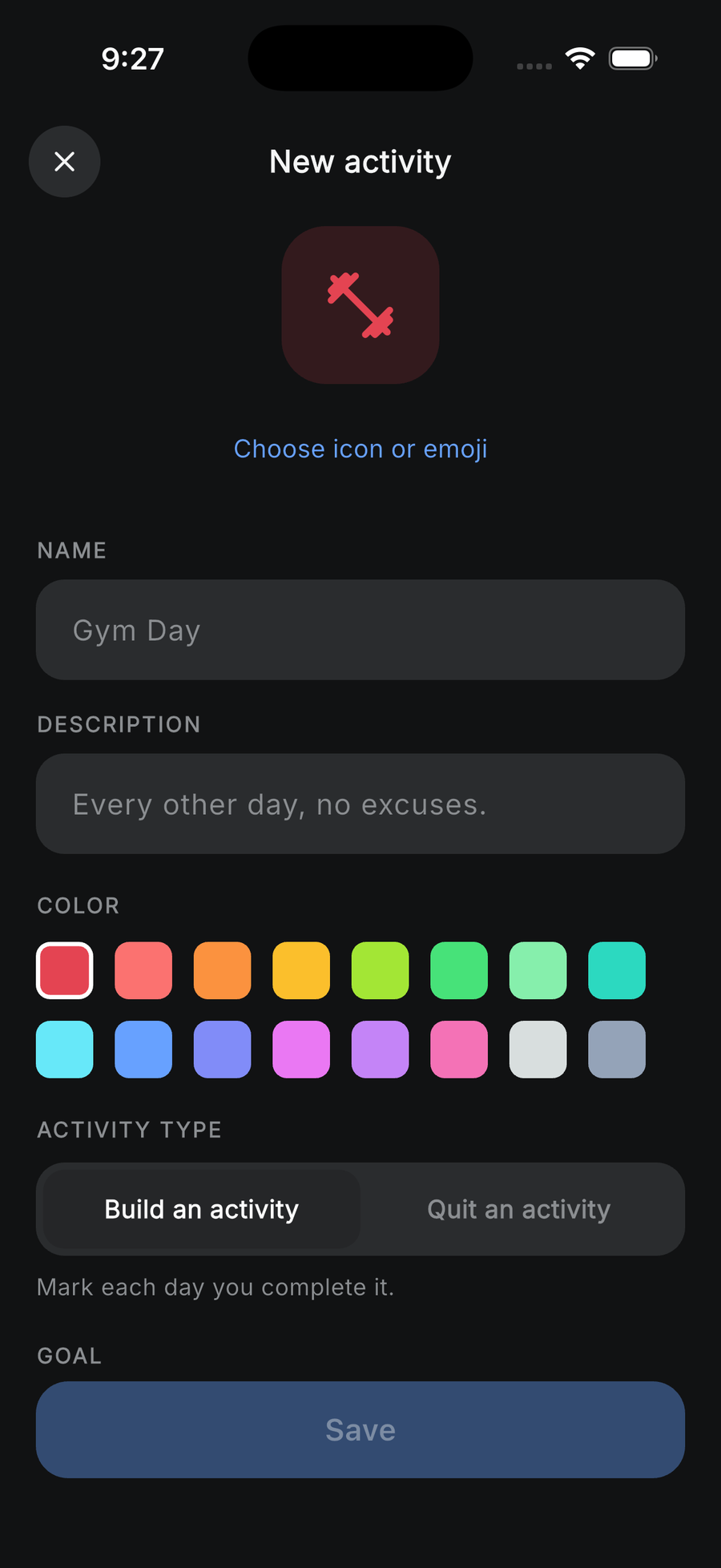
Pick an icon or an emoji, name it, choose a colour, decide whether you are building the activity or quitting it. That is the whole form — there is no step two.
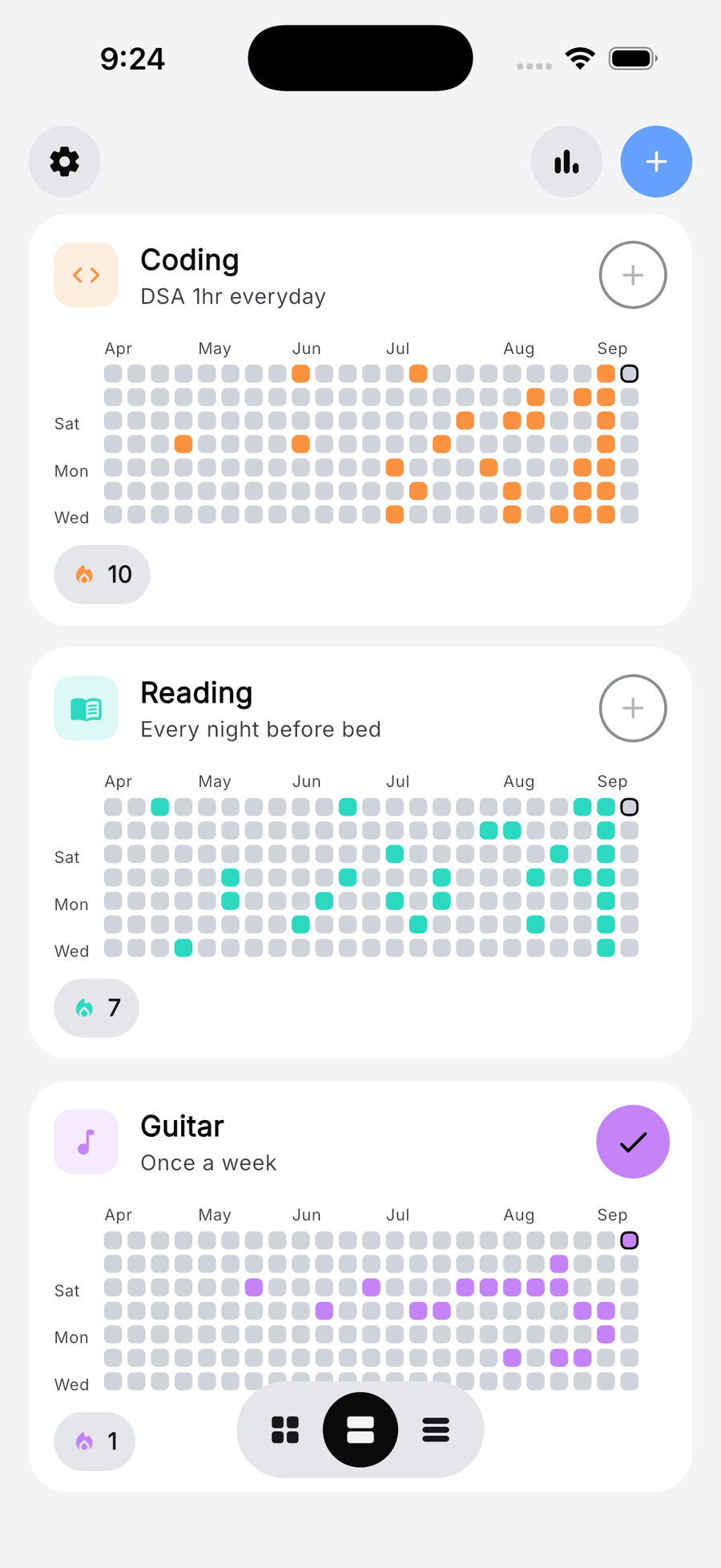
Light or dark
Customize as you like. Pick your favourite colour. Reorder the activities. Light or dark.
Try it here. The switch changes this page and every screen on it.
Setup, once
Connect Fitbit with Google
Sign in with Google, then tap Connect Fitbit. Allow activity, sleep, and nutrition read. Pixel Watch uses the same Fitbit account.
Add widgets to your home screen
Small, medium, or large. One activity or the week. The grid updates after you connect and sync Fitbit.
Glance
Steps, sleep, and exercise fill in as squares. Open an activity for hourly charts and totals. Share a snapshot when you want.
From the blog
All articlesQuestions
You sign in with Google, then tap Connect Fitbit. That opens Google Health permissions for activity, sleep, and nutrition. FitKit reads the numbers you allow and draws the grids on your phone. Details are in the Privacy Policy at fitbitkit.com/privacy.
Steps, distance, active minutes, sleep duration, heart-rate zones, and logged workouts are supported today. You choose which metric powers each auto habit and set the daily or weekly target that counts as complete.
The iOS app is a Fitbit companion. You need a Google account and a Fitbit or Pixel Watch tied to Google Health for the synced grids to fill. Extra activities you add yourself stay on the phone.
Yes. FitKit is free. There is no paid tier, no subscription, and no in-app purchases. Coming soon for iOS.
Activity history lives on each phone. We do not store your health records. Sign in on another device and connect Fitbit again. The grids refill from Google Health.
Coming soon for iOS
Connect Fitbit with Google, add widgets to your home screen, and watch the grids fill in. FitKit is free.
FitKit is an independent app. It is not affiliated with, endorsed by, or sponsored by Fitbit or Google. Activity data stays on your phone. Terms · Privacy